CRMs in nonprofits
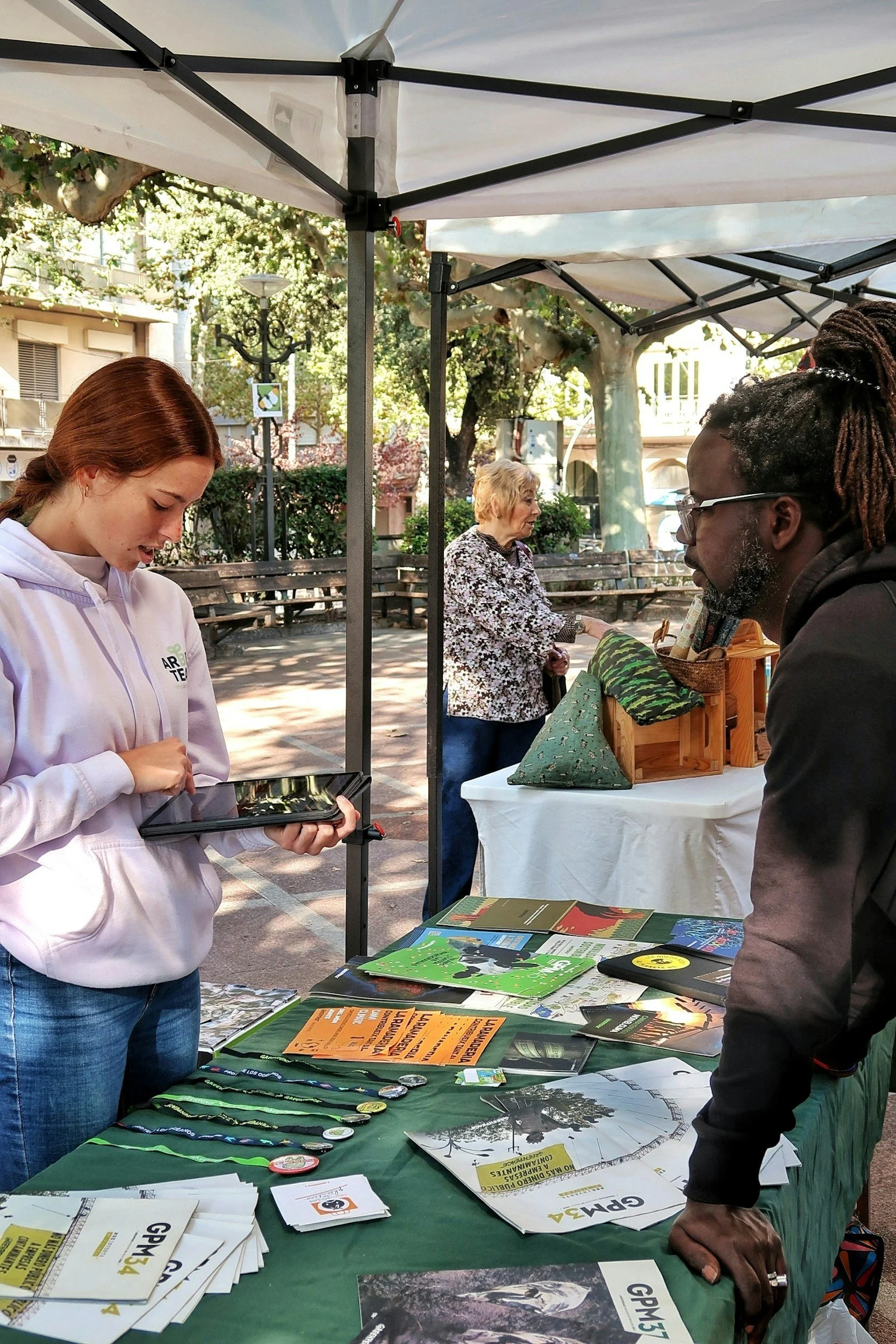
Every month, our Nonprofit Datafolk Club gets together to share experiences and learning. It’s a chance for data folk working in or with nonprofits to network and discuss matters of mutual interest.
At a recent workshop, we discussed customer relationship management systems (CRMs). Our nonprofit data folk split off into small groups to discuss the CRM systems people were using, the most important things for a CRM to do well, and the key challenges in implementing and/or using a CRM.
CRM systems used by nonprofits
Our nonprofit data folk were using a variety of different CRM tools, including:
What are the most important things for a CRM to do well?
User friendliness: CRMs should have an intuitive look and feel and be useable by people with varying levels of digital skills. Processes should be able to be automated where appropriate to reduce manual load. Practical and thorough training resources/ documentation should be easily accessible for all users.
Reporting: Data put into the system should be easy to get back out again. Our data folk felt that the most important reporting functionality to have within the tool was operational dashboards, where people could see what was relevant to them to make decisions on a day-to-day basis. More in-depth analysis could always be done separately with a business intelligence (BI) tool, as long as the data was easy to export in appropriate formats or connect to using an API.
Flexibility and/or interoperability: Ideally, CRM tools should be able to hold different types of information all in one place – for example, donors and donations, service users and cases, bookings and ticketing, and evaluation and impact data. They should also be able to integrate with external systems where necessary – especially important if they only provide one or two functions and need to be used alongside other tools.
Communications tracking: Staff should be able to monitor communications with contacts using the system, enabling themselves and others to see who has interacted with different contacts, when, and what they said.
Governance: A good CRM should include features that assist with security and compliance, such as granular user permissions, in-built consent tracking and GiftAid compatibility.
Customisation: Our data folk felt that the ability to customise a CRM system to some extent was important, though the degree to which this was necessary was very much dependent on individual circumstance. Some organisations needed to reflect unique and complex contexts, while others centred on ‘radical simplification’, seeking to make things as straightforward as possible.
What have been your key challenges in implementing and/or using your CRM?
Funding: As might be expected, funding and investment were major barriers to implementing a CRM. Some participants also highlighted hidden costs, suggesting that the investment required was often “double the cost the supplier says”.
Time: A common theme was that CRM implementation needed more resources and more time than you might think. Even just making the decision about which tool to use can take over a year – and then there is a huge amount of work involved in reviewing historical data structures, processes and data quality, as well as designing the framework for the new system. Our data folk also highlighted the time it takes to see the benefits after implementation. This makes it difficult to decide when it is worth it to leave a legacy system behind, for those who have a CRM and are thinking of adopting a new tool.
Change: Many of our participants emphasised that implementing a new CRM system was an organisational transformation as much as a tech transformation, and needed to be managed as a change programme. Stakeholders needed to be engaged, their concerns addressed and feel a sense of ownership of decisions to ensure that the new system will actually be used. Expectations also need to be managed, particularly given current selling of artificial intelligence (AI) as a ‘silver bullet’.
Other challenges mentioned included:
Finding good tech partners/providers to help choose and implement a CRM
Finding a provider with the right combination of record types, for example ‘cases’ and ‘ticketing/booking’
General weaknesses among systems in reporting/extracting information
Join the Nonprofit Datafolk Club
If you found this resource interesting, or if you have any curiosity in nonprofit data more generally, please come and join us at our next workshop. Each month has a different topic – you’ll find details on our events page. Previous topics have included: